

|
Welcome,
Guest
|
CodeTyphon Web Development Pas2JS, WASM, etc, discussions and problems
TOPIC:
I have found the solution to create Android app based on js_WebWidgetsGUI 8 months 3 weeks ago #19338
|
|
Please Log in or Create an account to join the conversation. |


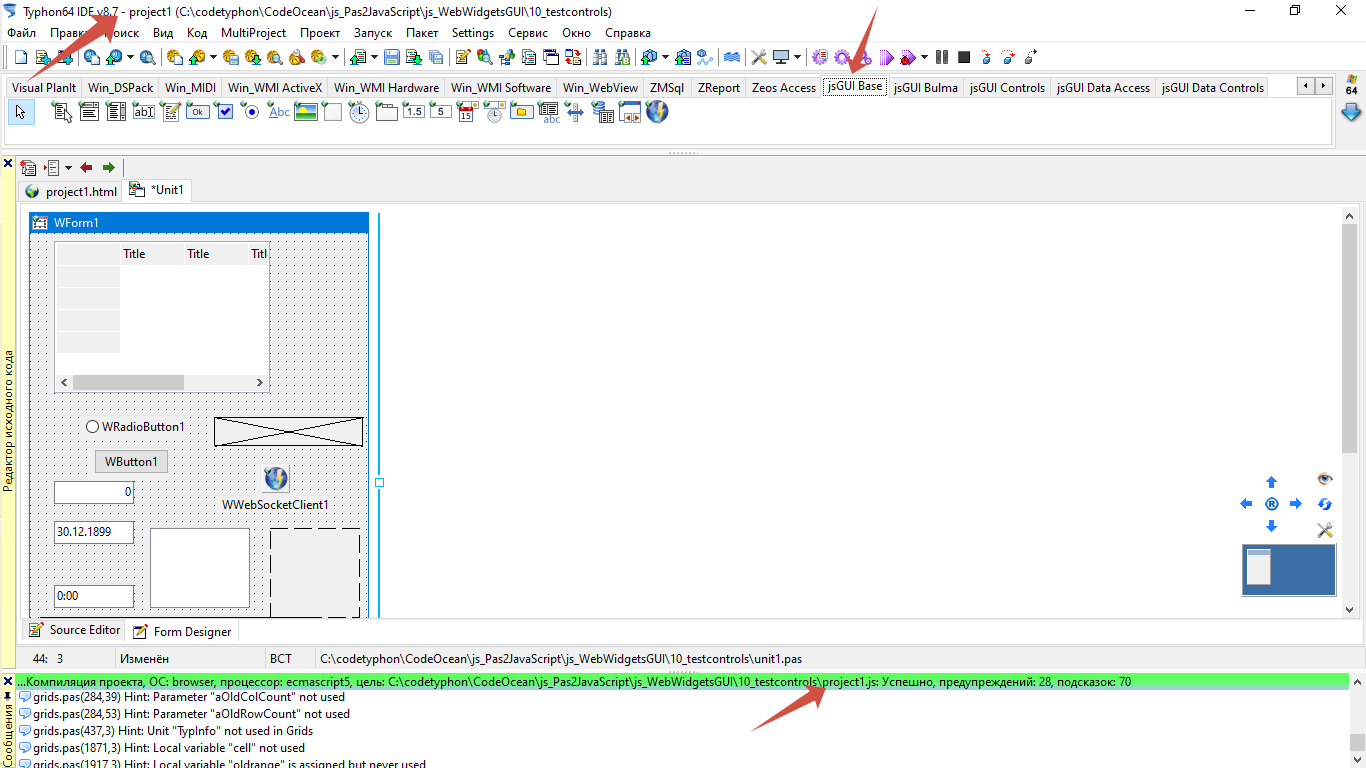
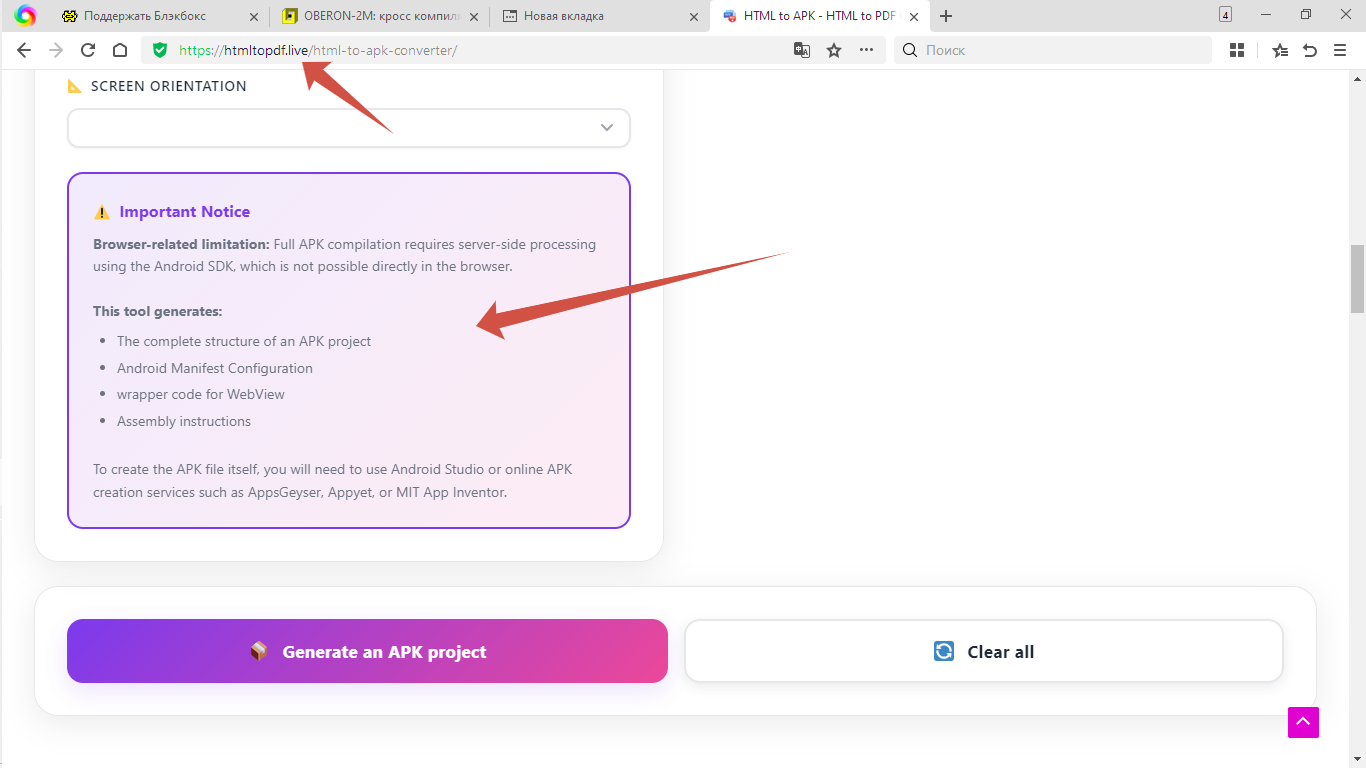
I have found the solution to create Android app based on js_WebWidgetsGUI 8 months 3 weeks ago #19339
|
|
Please Log in or Create an account to join the conversation. |


I have found the solution to create Android app based on js_WebWidgetsGUI 8 months 5 days ago #19378
|
|
Please Log in or Create an account to join the conversation. |


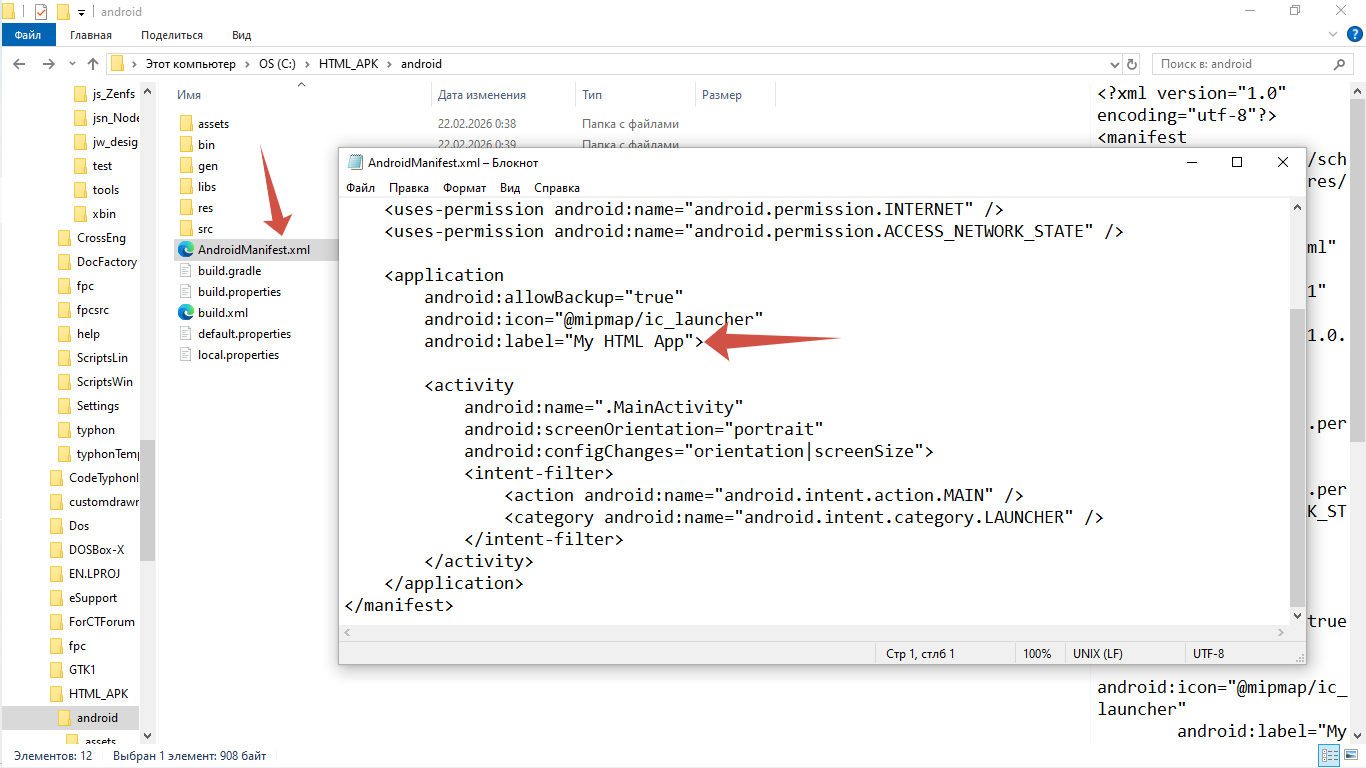


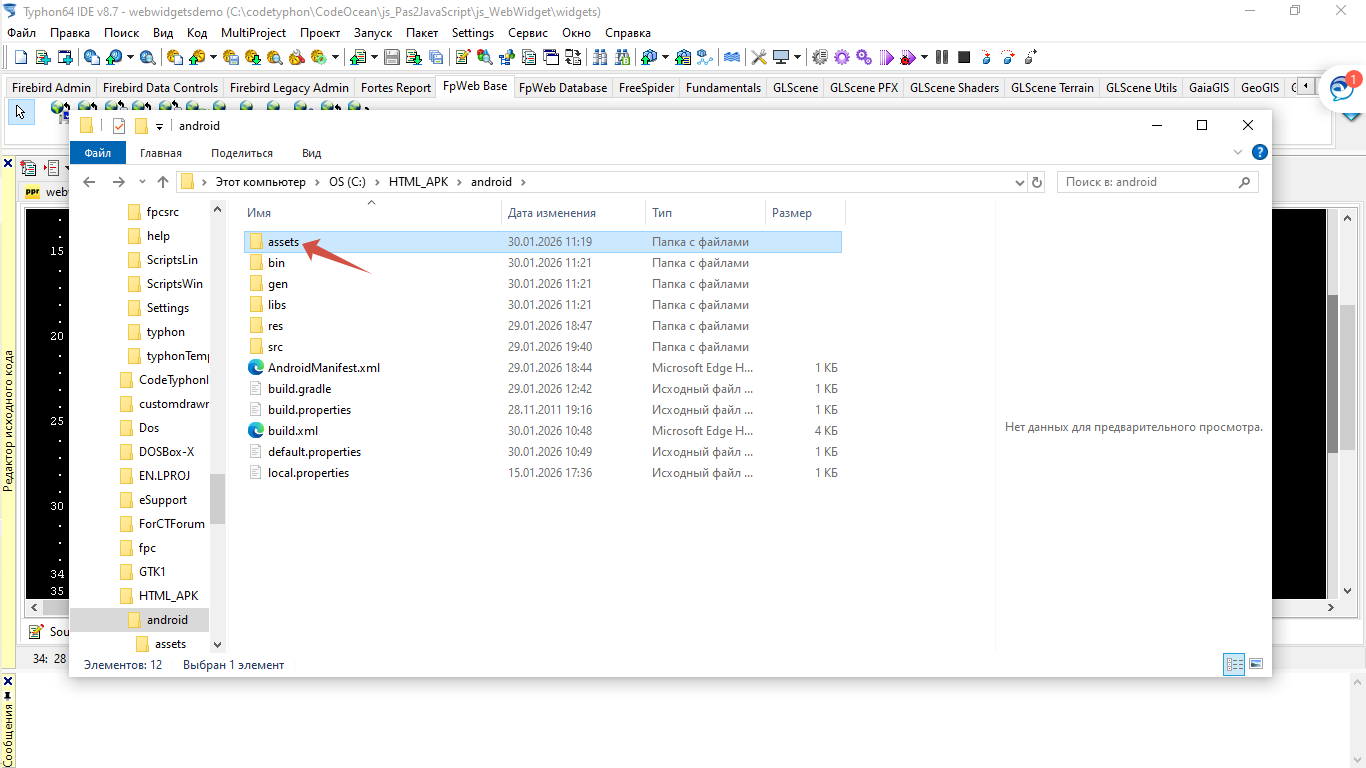
I have found the solution to create Android app based on js_WebWidgetsGUI 8 months 5 days ago #19379
|
|
Please Log in or Create an account to join the conversation. |